
In version 6.21, there will be improvements to editing the front page:
- Possibility to change the main image of the front page
- Add so-called widgets, links, text.
Administrators have editing rights. Editing is done from the “Front page” menu in the control panel.
 Editable front page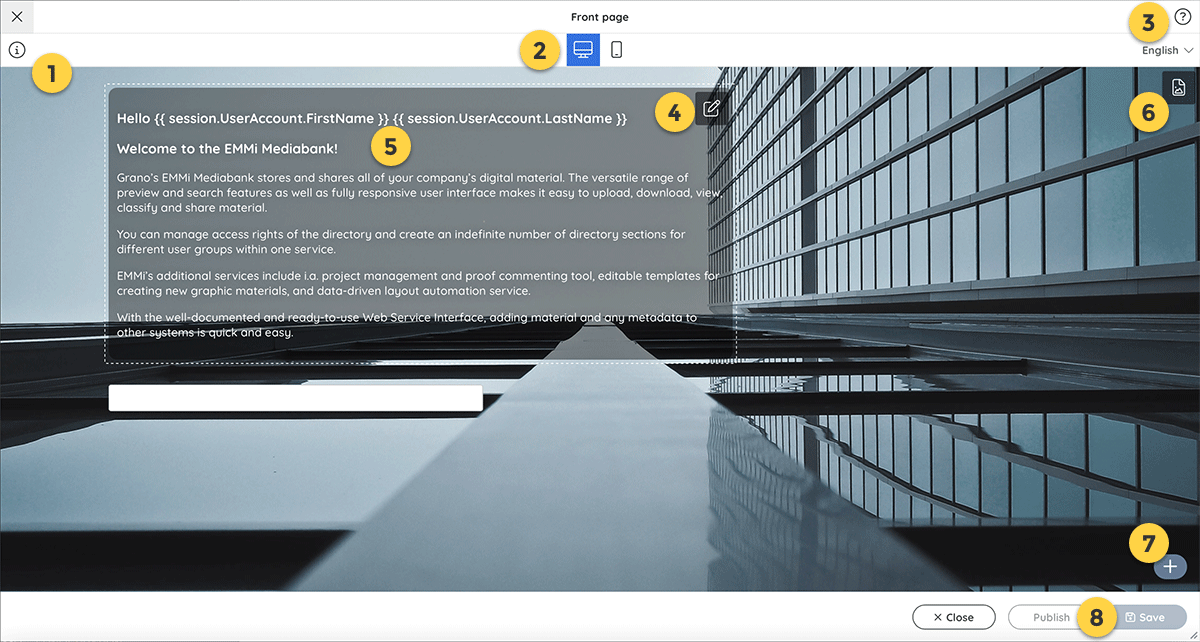
- Last modified date ⓘ.
- View in desktop or mobile view.
- Editing view quick tips and tricks
![]() .
. - Editing the front page.
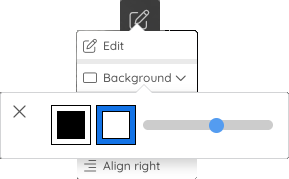
- The background color of the text box can be black or white. Background color transparency is adjustable.![]()
- Option to display a user-specific greeting (optional): {{ session.UserAccount.FirstName }} {{session.UserAccount.LastName }}
- Add a main front page image.
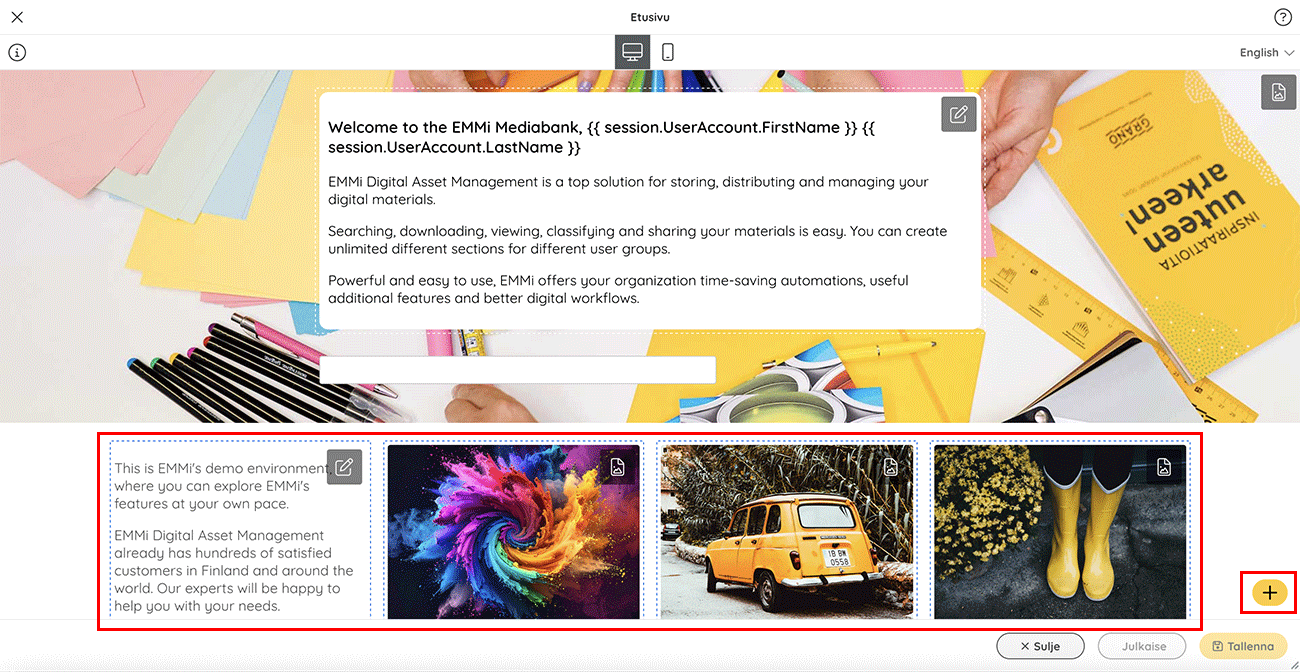
- Add widgets below the main image.
- Publish changes or save draft.
 .
.
Main Image Size Recommendations
Desktop Image: 1920×1080px
Mobile Image: 640×1136px
Widgets
Widgets can be added below the main image. These can contain links or text.
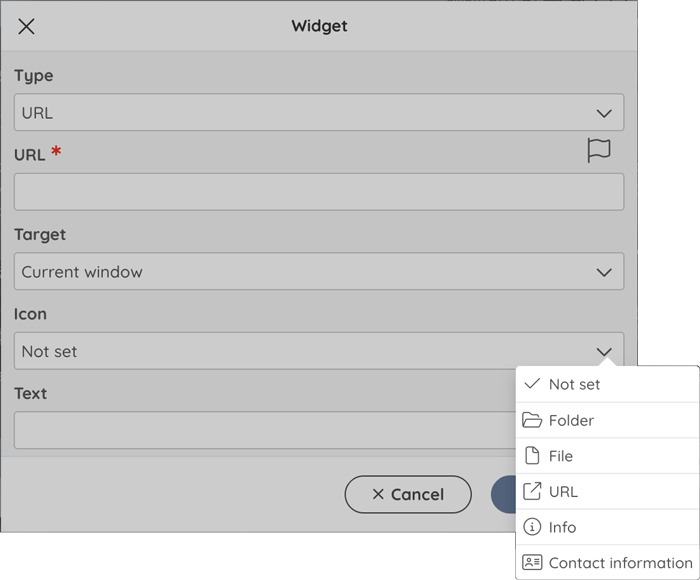
- In the editing window, you can define (Type) whether it is a link or text.
- Link address – here you can define your own addresses for different language versions of the service.
- Choose whether the link should be opened in the same or a new browser window
- An icon describing the link can be set from the menu (folder, information, link, information, contact information)
- The visible text of the link
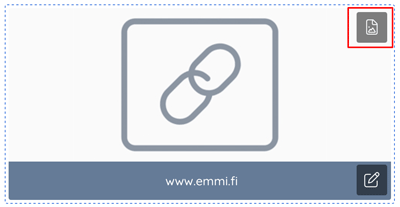
You can set your own background image for the widget. The background image can be set if the widget type is “Link”.
Recommended size for the bg image: 500×250px.
Feedback
Copyright © 2026 Grano
—
Powered by 
Post your comment on this topic.